Drive Test
Drive test sessions
Switched on upon request for your organisation, inside NEXT Fusion.
TypeExtensionfor NEXT·FIELD
FamilyMobile networkas in the launcher
WhereWeb · tabletinside NEXT Fusion
LanguagesIT · ENinterface and manual
LicenceOn requestper organisation
What it does
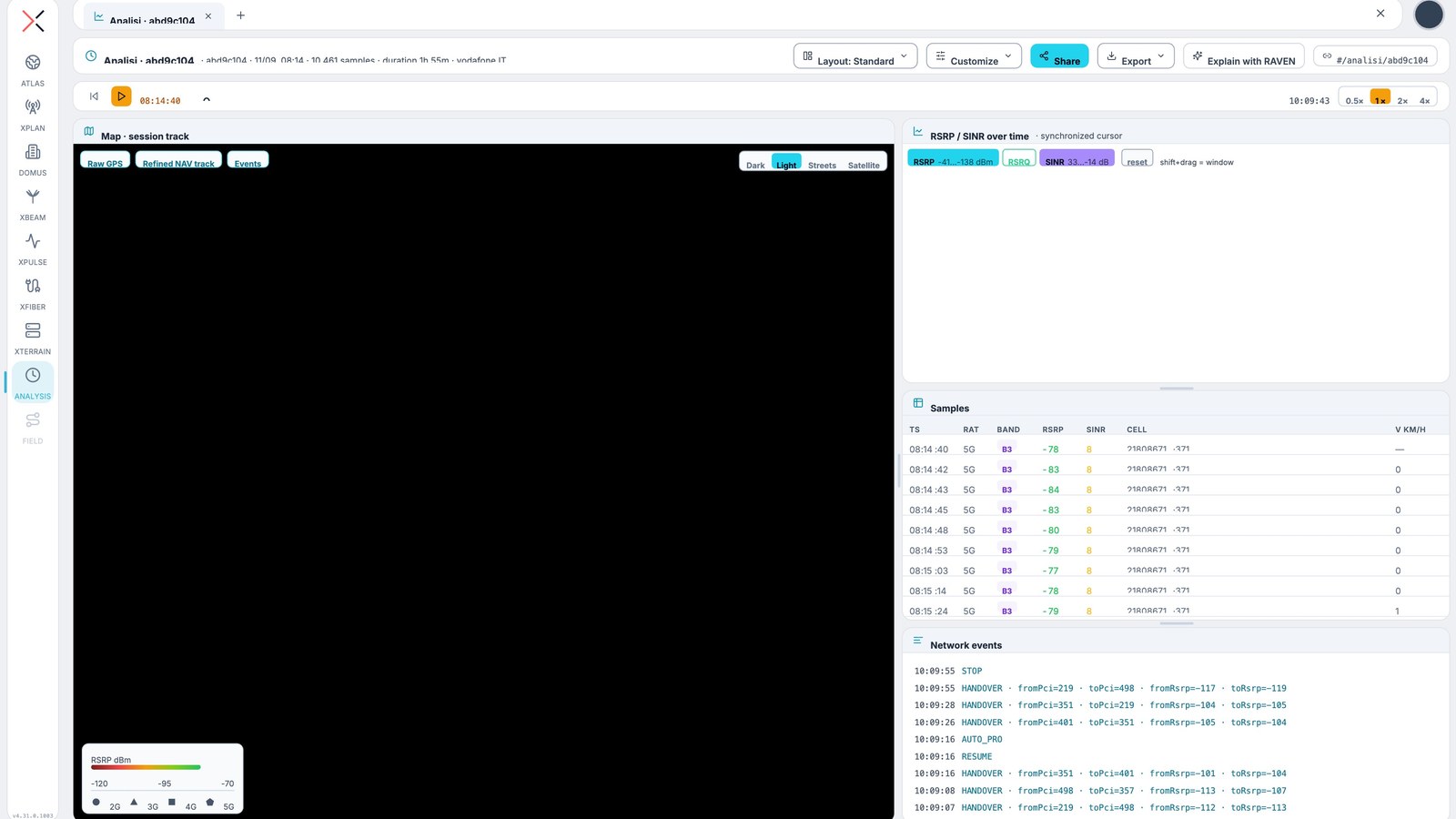
The Drive Test layer brings sessions measured on the move onto the ATLAS map, with radio metrics, cells and events. It is the radio team's everyday tool to see where the mobile network performs and where it does not.
Features
- Points, heatmap, track and H3 hexagon views, with shape by technology and colour by metric
- RSRP, RSRQ and SINR metrics, filtered by band and by technology
- Automatic analysis: anomalies, problem clusters, priority areas and tech gap between predicted and measured
- Session and operator comparison, 3D columns and filtering by place
- Click a sample for the measurement or a segment for its statistics; PDF report of the session
How to use
- Turn on Drive Test from the ATLAS Layer Manager
- Choose the view and the metric
- Narrow down with the Filters tool by period, operator, technology, band or place
- Open a session for the details or export the report
Works with
Information
Publisherarimas
Version1.0.0
RequiresNEXT·FIELD
PermitsRead data
Talk to usParla con noi
Tell us your use case: we'll tell you which XPACKs to switch on and how to start inside NEXT Fusion.Raccontaci il caso d'uso: ti diciamo quali XPACK accendere e come partire dentro NEXT Fusion.