XPLAY › Fibre and infrastructure › XDOMUS
XDOMUS
Indoor coverage
Switched on upon request for your organisation, inside NEXT Fusion.
TypeEnvironment1 extension
FamilyFibre and infrastructureas in the launcher
WhereWeb · tabletinside NEXT Fusion
LanguagesIT · ENinterface and manual
LicenceOn requestper organisation
What it does
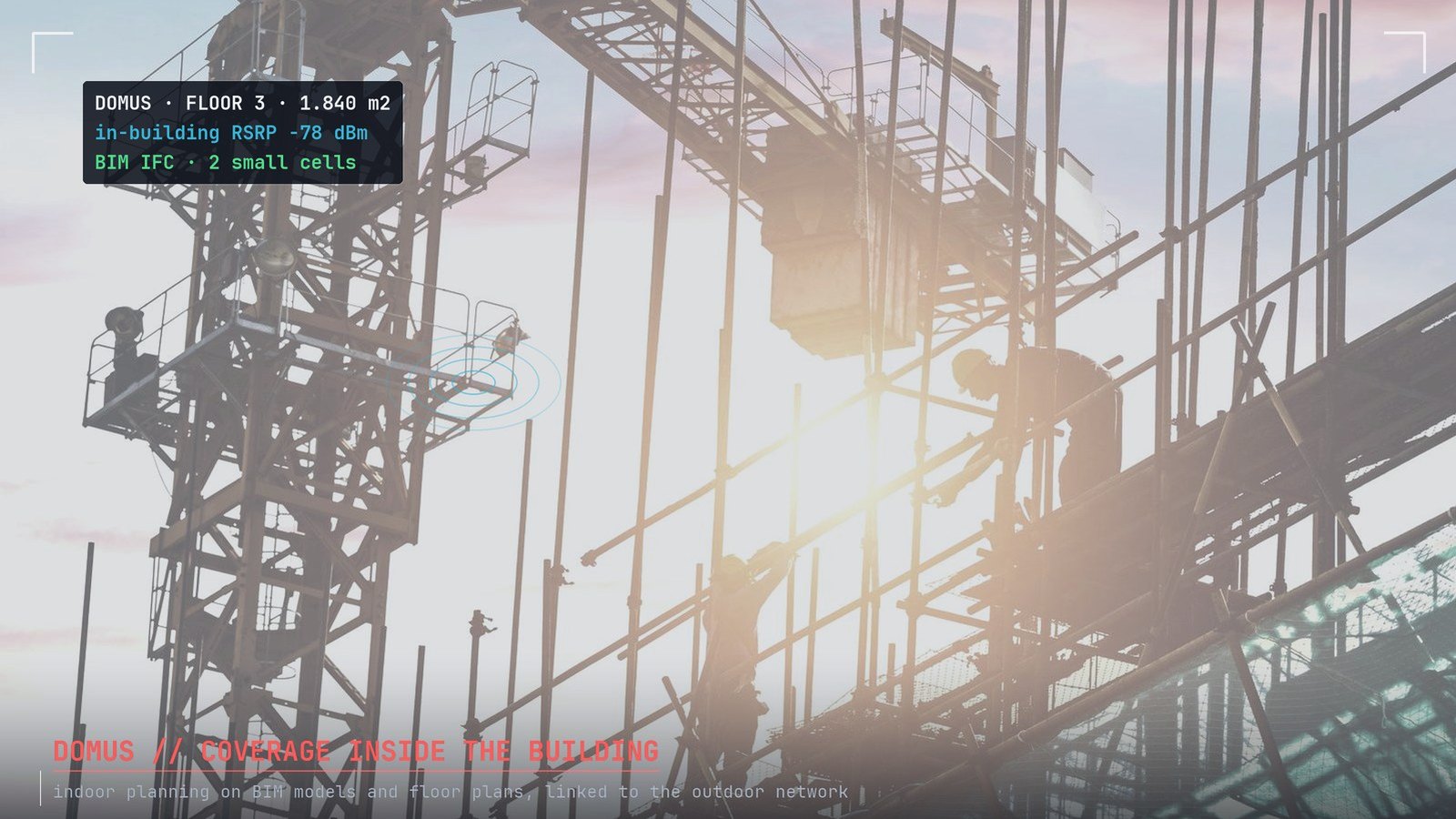
XDOMUS designs radio coverage inside buildings: floor plans to scale, walls with their materials, antennas, coverage prediction and passive DAS, calibrated on surveys made with RECON. It is built for operators, integrators and facility teams who design in-building coverage next to the outdoor network.
Features
- Projects and buildings on the map, floors with height, scale and a plan imported from a photo, PDF or DXF
- Five-step guided procedure: Straighten, Scale, Walls, Measurements, Project
- Wall drawing with snapping and materials, or automatic recognition from the plan
- Antennas and coverage prediction floor by floor, in 2D, 3D and exploded view
- Passive DAS: tree diagram, port-by-port DL/UL link budget, EIRP, bill of materials and fault impact
- RECON measurements on the plan for field calibration, and a project report
How to use
- In ATLAS click the building and choose Open in XDOMUS, or create a project from the list
- Import the plan, straighten it and set its scale
- Draw the walls and place antennas or the DAS
- Compute coverage, calibrate it on RECON measurements and download the report
Extensions and data
Information
Publisherarimas
Version1.0.0
RequiresATLAS
PermitsRead data, Edit data, Export
Talk to usParla con noi
Tell us your use case: we'll tell you which XPACKs to switch on and how to start inside NEXT Fusion.Raccontaci il caso d'uso: ti diciamo quali XPACK accendere e come partire dentro NEXT Fusion.