XPLAY › Sales and commercial › XSALES
XSALES
Field sales visits
Switched on upon request for your organisation, inside NEXT Fusion.
TypeEnvironment—
FamilySales and commercialas in the launcher
WhereWeb · tabletinside NEXT Fusion
LanguagesIT · ENinterface and manual
LicenceOn requestper organisation
What it does
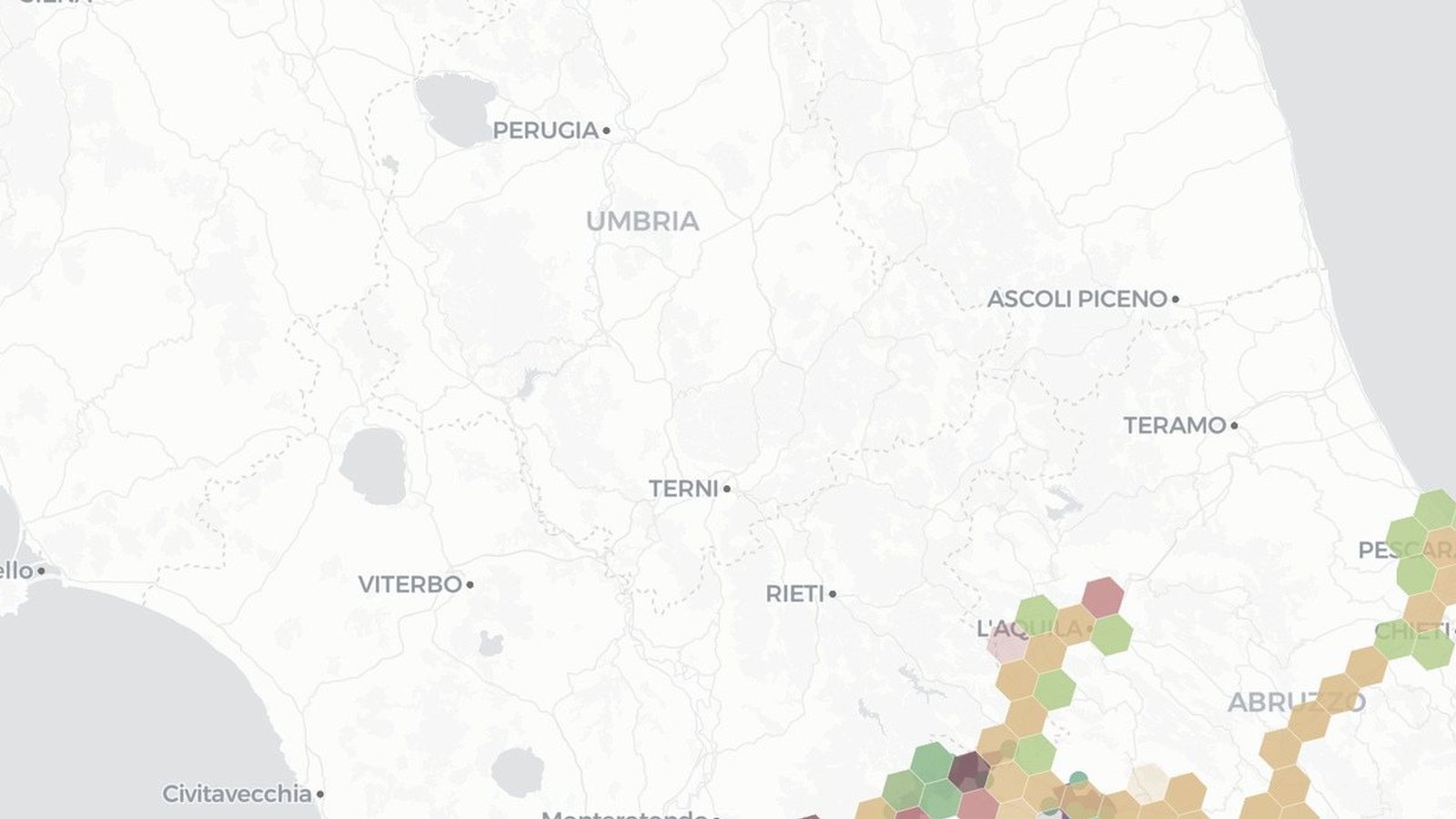
XSALES decides which businesses are worth a visit and in which order: an explained priority for every business in the territory and a day plan that respects appointments, opening hours and travel times. It is built for POS and payment services sales networks and for any field sales team.
Features
- Territory drawn on the map and businesses loaded from open data or from your own layer, without duplicates
- A 0 to 1 priority in four parts (potential, fit, interest, urgency) with configurable weights
- Business card with the source of every data point, missing data and disagreeing sources
- Day plan for each salesperson with numbered stops, times and road routes
- Excluded businesses always listed with the reason
- Visit outcomes that update the priority and re-plan the rest of the day
How to use
- Open XSALES, draw the territory and load the businesses from the source
- Enter salespeople, shifts, zones and appointments
- Choose the day and press Compute the plan
- Record the outcome of each visit and re-plan after the unexpected
Information
Publisherarimas
Version0.1.0
RequiresATLAS
PermitsRead data, Edit data, Export
Talk to usParla con noi
Tell us your use case: we'll tell you which XPACKs to switch on and how to start inside NEXT Fusion.Raccontaci il caso d'uso: ti diciamo quali XPACK accendere e come partire dentro NEXT Fusion.