XPLAY › Fibre and infrastructure › XFIBER
XFIBER
Fibre network
A few partners per sector: real environment, shared roadmap.
TypeEnvironment7 extensions
FamilyFibre and infrastructureas in the launcher
WhereWeb · tabletinside NEXT Fusion
LanguagesIT · ENinterface and manual
LicenceOn requestper organisation
What it does
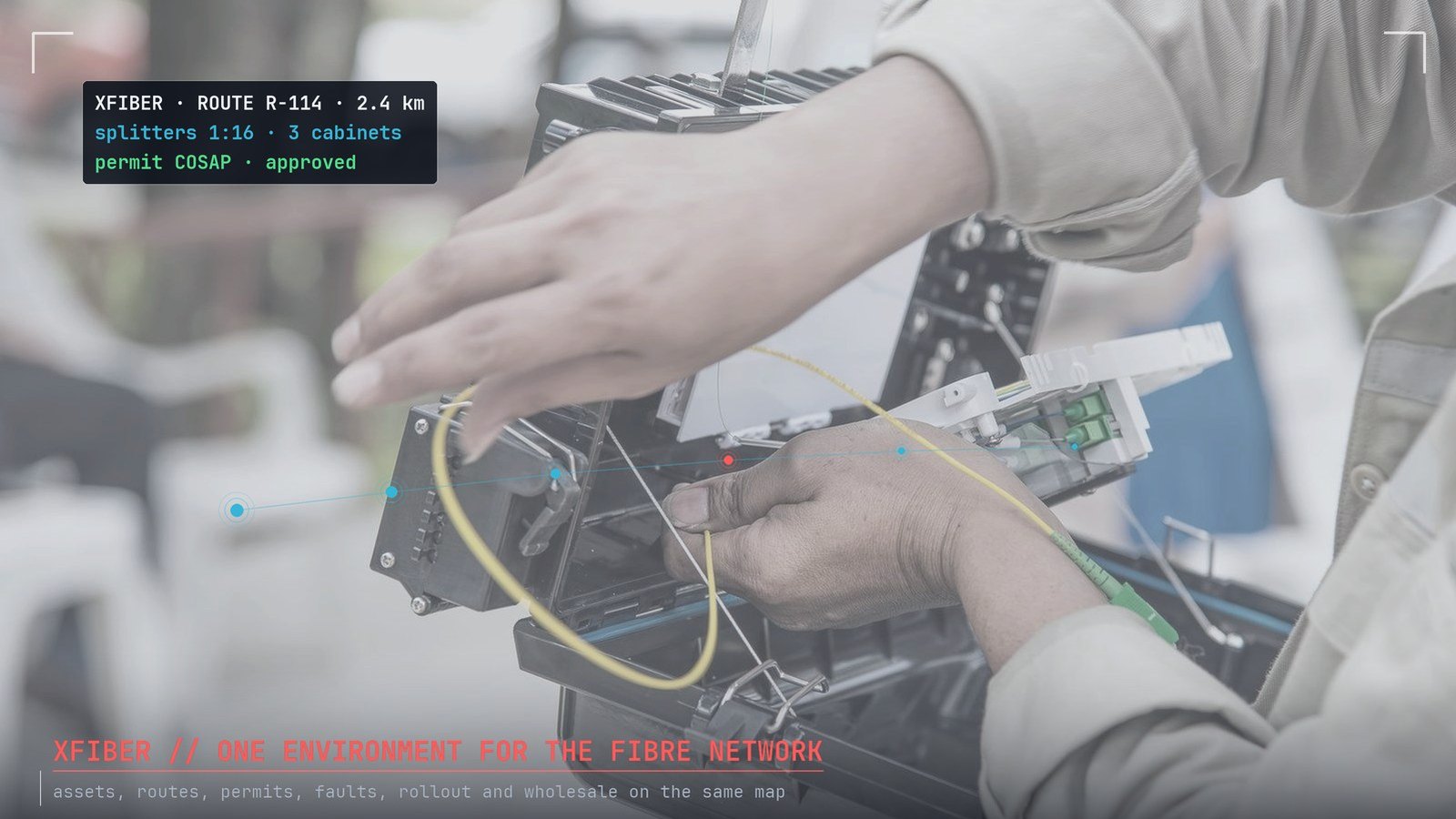
XFIBER brings the fibre network together in one environment on the map: optical inventory, routes, assets, field work, permits, faults, rollout and wholesale. It is built for FTTH operators and network builders who want to follow the network from design to wholesale.
Features
- Fibre-by-fibre optical network: nodes, spans, cables and devices, with the trace of a fibre and its optical budget
- Aerial, buried and in-duct routes, with kilometres per installation type
- Registry of OLTs, cabinets, splitters, manholes and joints
- Geolocated work orders with crews and status; COSAP/SUAP permits with their deadlines
- Faults and anomalies by priority; rollout with homes passed and connected per municipality
- Wholesale portal: coverage by address and activations for OLO operators
How to use
- Open XFIBER from the launcher: the map stays at the centre
- Pick a section from the top bar: it opens as a floating island
- Load or draw the network, then follow works, permits and faults on the map
- Check rollout progress and wholesale requests
Extensions and data
Fiber Network PlannerFibre network planning: aerial, buried and in-duct routes, project zones and map view.Discover
Fiber Asset RegistryRegistry of fibre network assets: OLTs, cabinets, splitters and manholes.Discover
Fiber Field OpsField operations: geolocated work orders on fibre sites, crew assignment and work status.Discover
Fiber Permits ManagerGeoreferenced excavation and land-occupation permits (COSAP/SUAP), with status and deadlines.Discover
Fiber Quality & FaultsFibre network quality: faults and anomalies on the map, with priority and status.Discover
Information
Publisherarimas
Version0.1.0
RequiresATLAS
PermitsRead data, Export
Talk to usParla con noi
Tell us your use case: we'll tell you which XPACKs to switch on and how to start inside NEXT Fusion.Raccontaci il caso d'uso: ti diciamo quali XPACK accendere e come partire dentro NEXT Fusion.