XPLAY › Operations and data › XFLOW
XFLOW
Platform ETL
Switched on upon request for your organisation, inside NEXT Fusion.
TypeEnvironment—
FamilyOperations and dataas in the launcher
WhereWeb · tabletinside NEXT Fusion
LanguagesIT · ENinterface and manual
LicenceOn requestper organisation
What it does
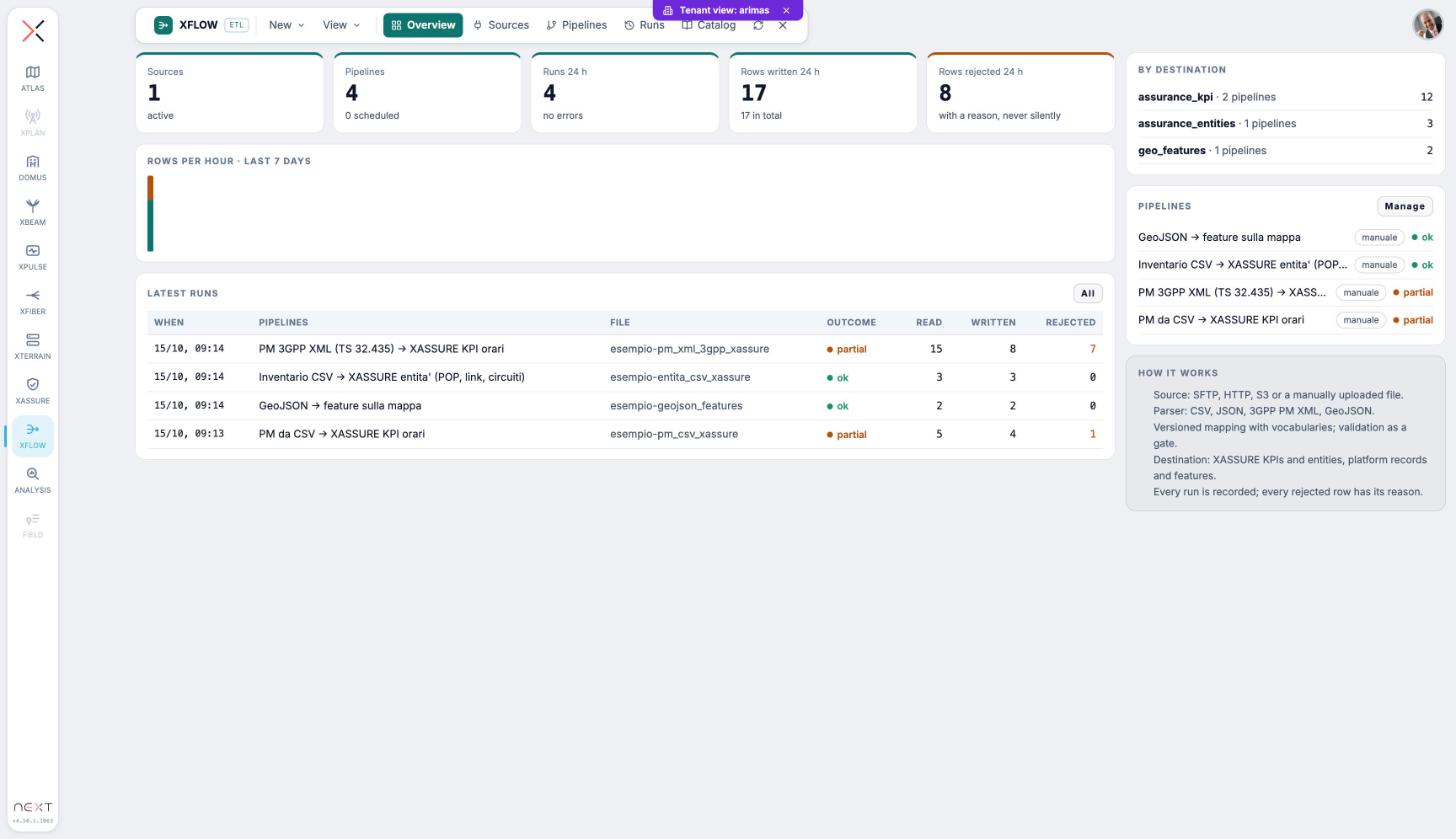
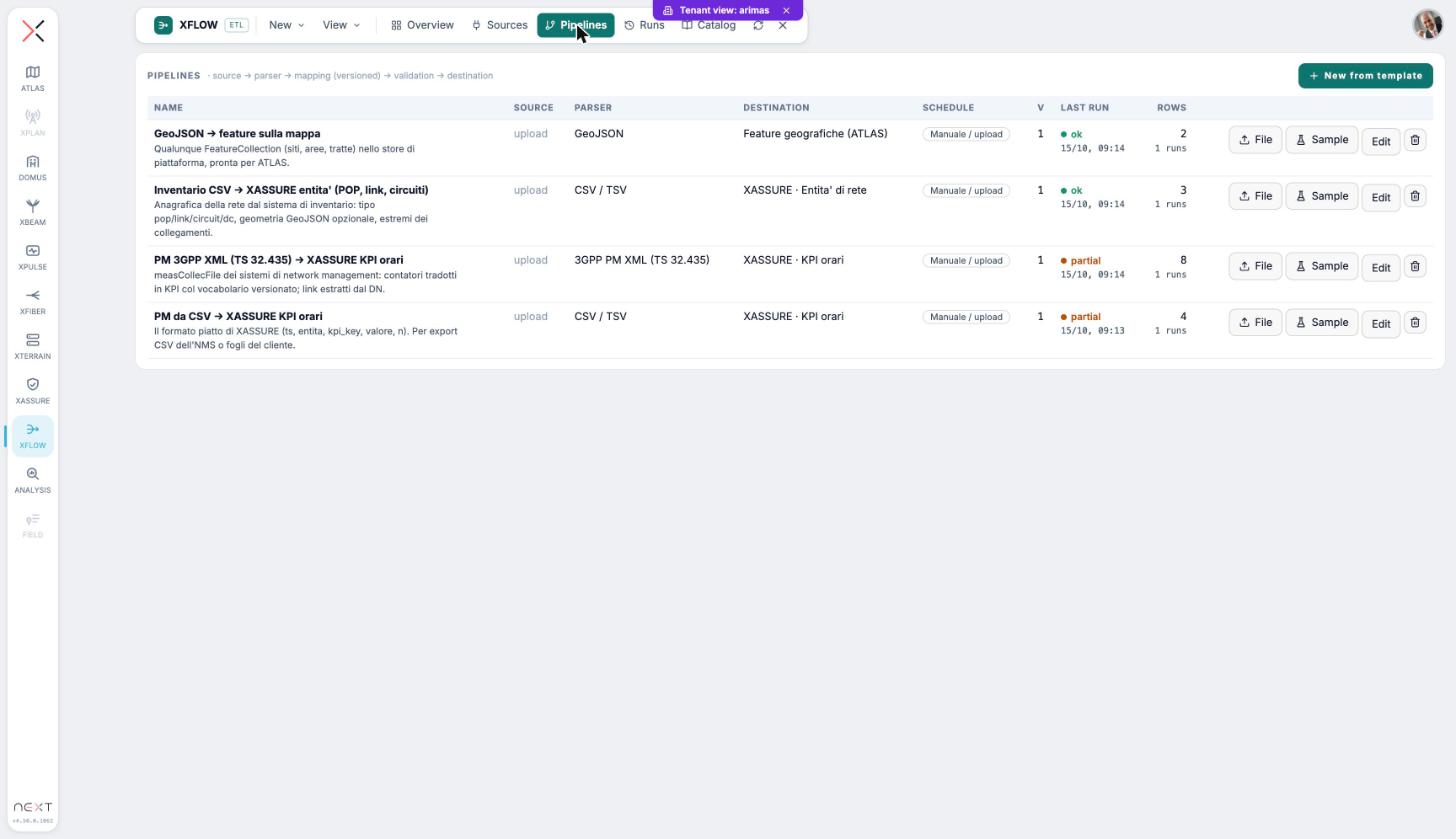
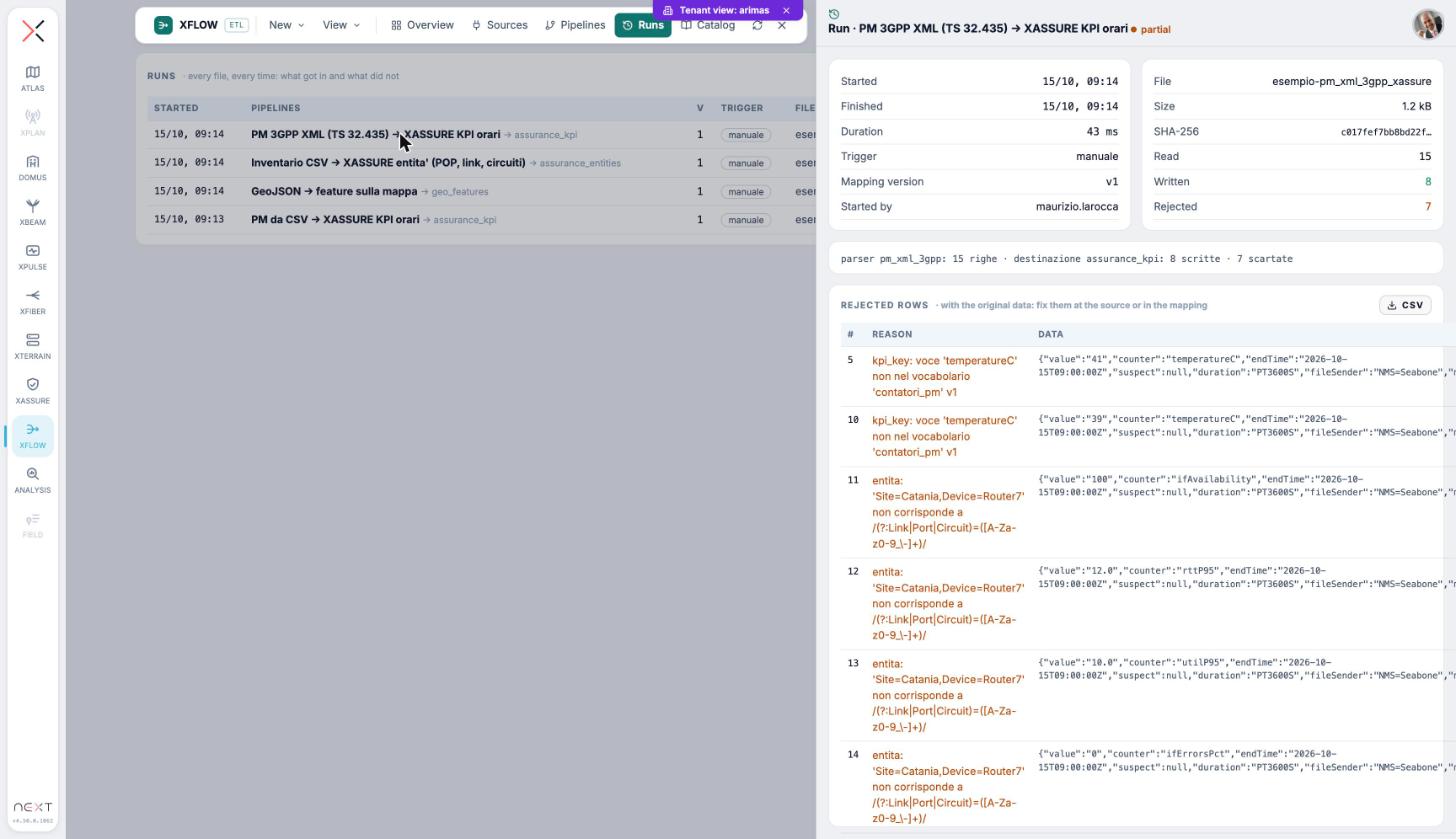
XFLOW is the single entry point for third-party data into NEXT: source, parsing, mapping, validation and destination, with every run recorded and every rejected row explained. It is built for operators, carriers and GIS teams who need to load data the same way, every time.
Features
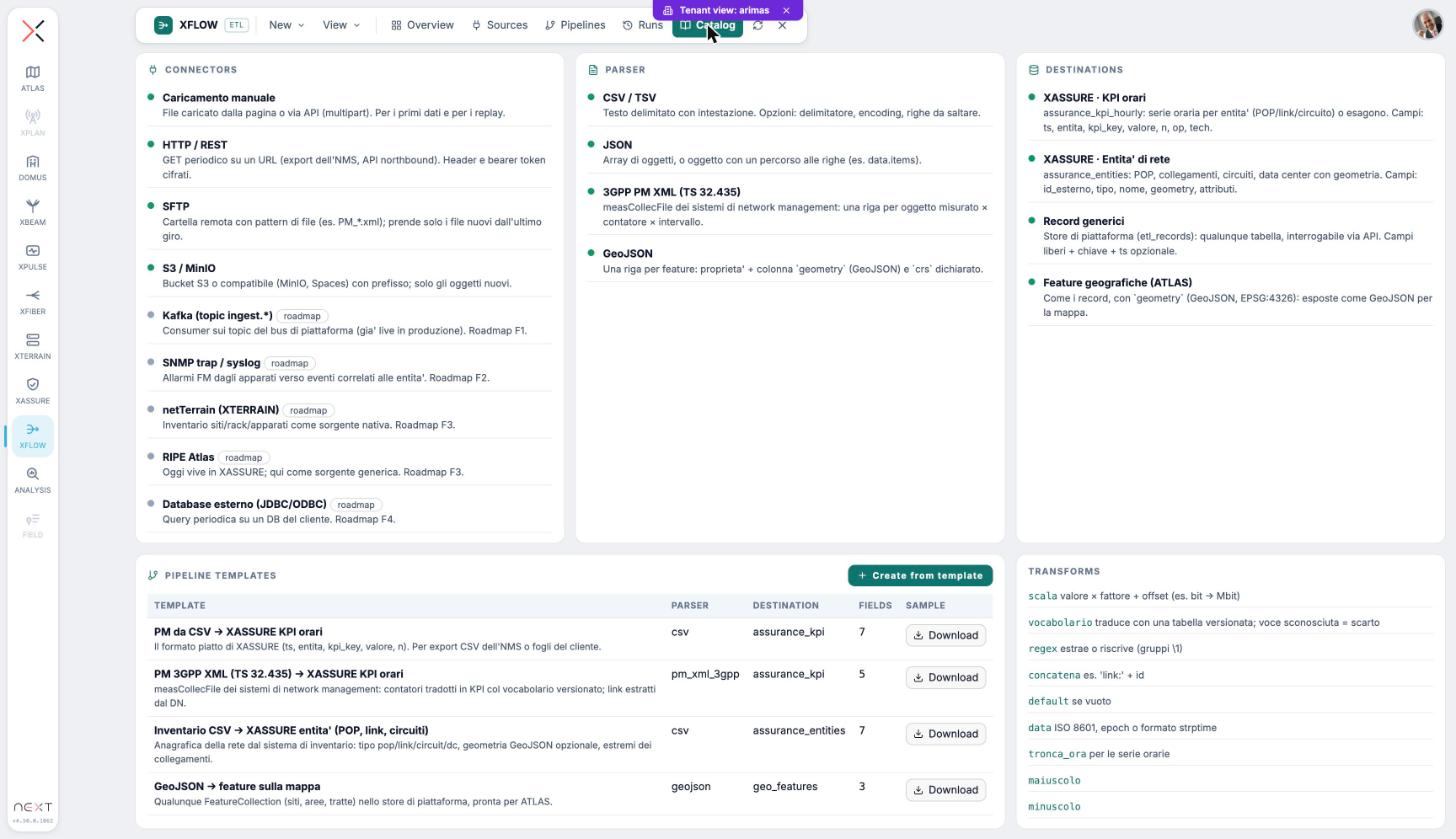
- Sources: upload from the interface or the API, HTTP, SFTP and S3-compatible object storage, with encrypted credentials
- CSV, Excel, JSON, GeoJSON and 3GPP PM XML formats, detected automatically with a data preview
- Versioned mappings with transformations and an idempotency key: running again updates instead of duplicating
- Validation with reasons: every rejected row is kept with its reason and the original data
- Queries on external PostgreSQL and MySQL databases with a visual query builder
- MQTT, OPC UA, Modbus TCP and BACnet/IP field connectors: every point becomes a measurement on the map with thresholds and alarms
How to use
- Open XFLOW from the launcher and start from Import
- Choose the file, the saved connection or the external database and look at the data
- Map the columns to NEXT fields and choose the destination: map, data archive or XASSURE
- Import now or set a schedule, then open the result in ATLAS
Talk to usParla con noi
Tell us your use case: we'll tell you which XPACKs to switch on and how to start inside NEXT Fusion.Raccontaci il caso d'uso: ti diciamo quali XPACK accendere e come partire dentro NEXT Fusion.